
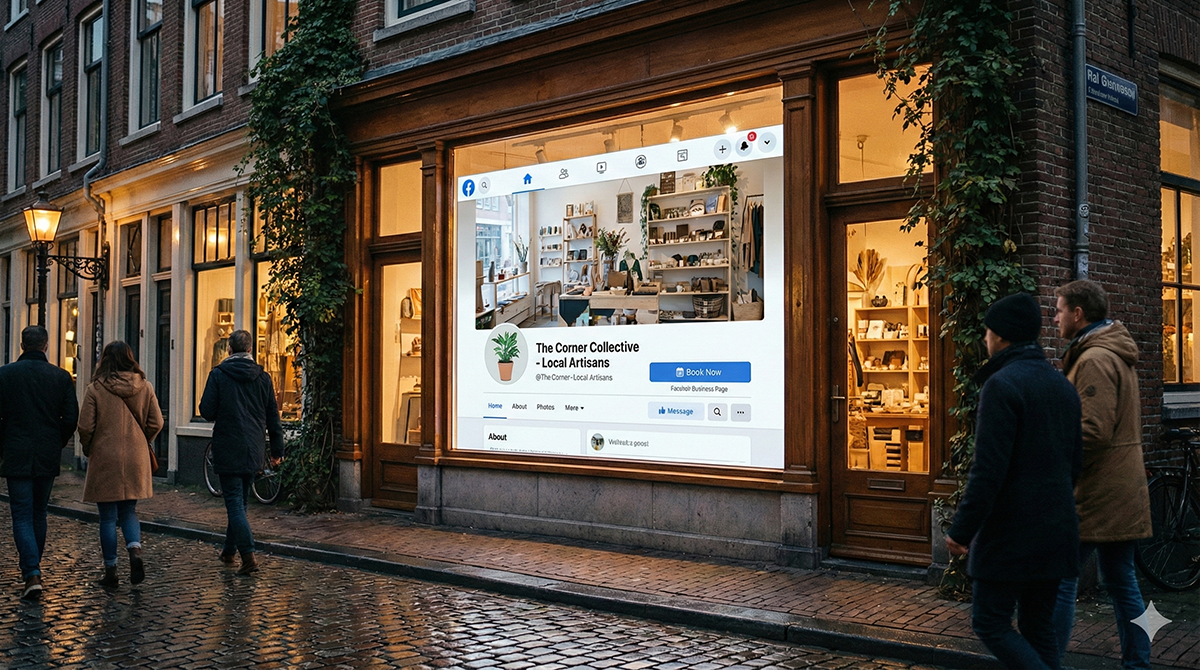
For local service providers a Facebook Business Page is often the first place potential clients look to verify you exist. It acts as your 24/7 receptionist and a key verification tool.
Launching successfully doesn't require social media guru status. By focusing on a few fundamentals, you can build a page that looks professional and welcomes new clients effectively.
1. Make a Great Visual Impression
Your visual elements are the first things visitors notice.
The Profile Picture: For most businesses, a clear, high-quality logo works best. If you are a personal brand (like a consultant), a friendly professional headshot is a great choice.
The Cover Photo: Think of this as your billboard. Consider using a photo of your team in action, a "before and after" split-screen of your work, or a graphic listing your main services.
2. Optimize for Discovery
Think of your "About" section as a mini-website. Ensuring your contact info and hours are accurate goes a long way in building trust.
Pro Tip: Write your description with search terms in mind. Instead of just saying "We do plumbing" try "Emergency 24/7 plumbing repair in [Your City Name]." It helps local customers find you on Google.
3. Use the "Services" Tab
This feature is fantastic for entrepreneurs who don't sell physical products. It allows you to list your offerings directly on the page, rather than burying them in posts. You can add descriptions, pricing, and photos for each offering. It effectively turns your Facebook page into a service menu, making it easy for visitors to see exactly how you can help them.
4. Choose the Right Call-to-Action (CTA)
The blue button under your cover photo is a powerful tool. By default, it might just say "Send Message," but customizing it can make a big difference.
Customize it: If you are a hairdresser, "Book Now" might be best. If you offer emergency repairs, "Call Now" is likely more effective. The goal is to make it as easy as possible for clients to take the next step.
5. Start with Content Already Live
Before you invite friends and customers to your page, try to have 3 to 5 posts already published so the page doesn't look empty. A mix of helpful content and business info works best.
Starting ideas: Share a welcome post explaining what you do and who you serve, a quick tip related to your industry or a graphic of a recent 5-star review.
Consistency beats intensity. Two or three helpful posts per week are usually more effective—and more sustainable—than posting daily. Over time, this steady activity also helps Facebook understand your business and increases your visibility. Start with these basics, and your page will be on the right track to growing your business.